DeskBot for Kalshi vs Pbot.pro
DeskBot for Kalshi and Pbot.pro are both filed under Crypto Markets. Both are automated bots, and both are paid. Below: the facts side by side, where the two actually differ, and when each one is the better pick.
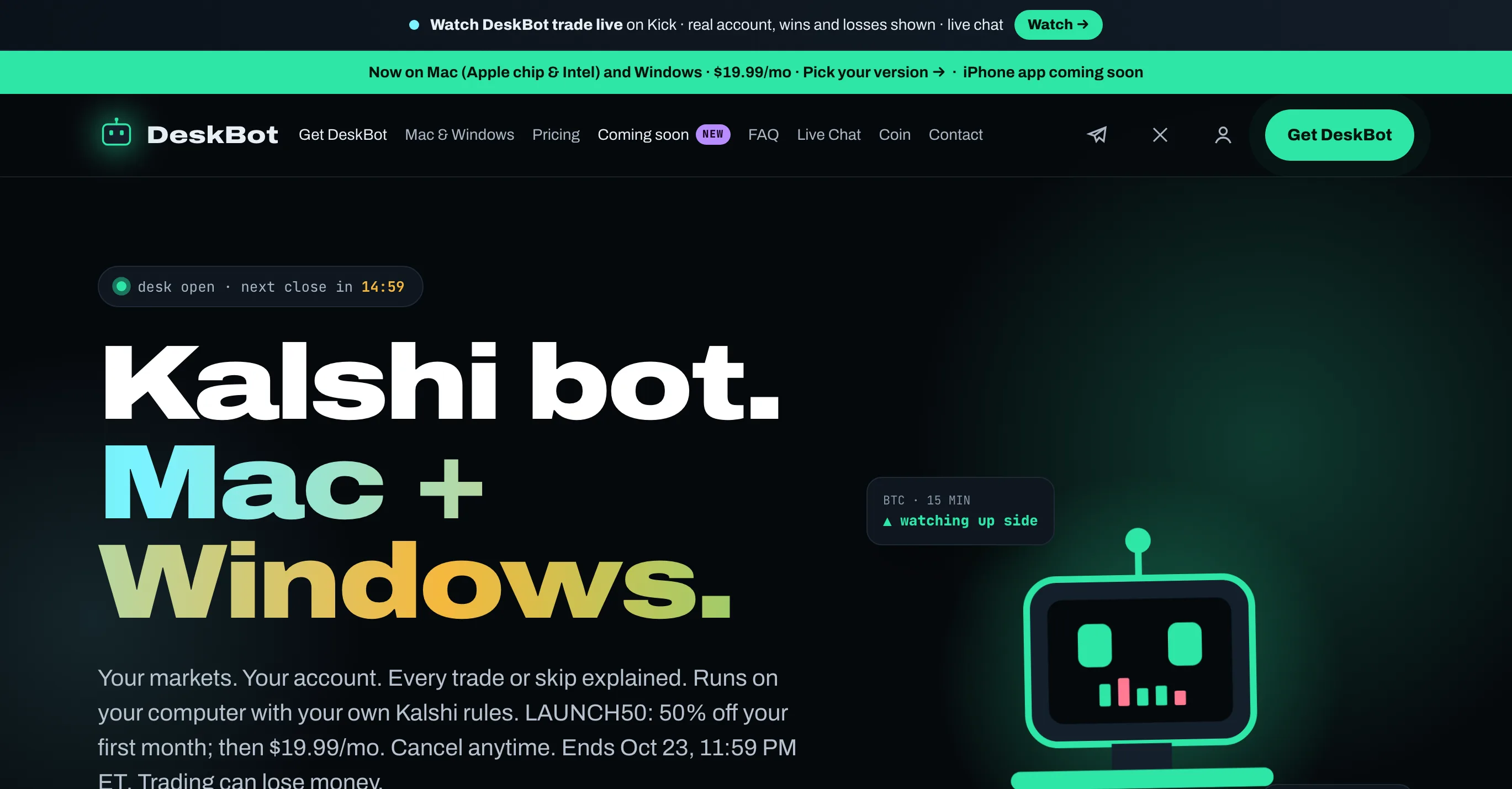
Desktop bot for Kalshi's 15-minute up-or-down markets, all 19 of them at once: nine coins — BTC, ETH, XRP, SOL, DOGE, HYPE, ZEC, NEAR and BNB — plus gold, silver, copper, platinum, palladium, oil, natural gas and three currency pairs.
Compared with Pbot.pro
Browser-based bot for Polymarket's short crypto Up or Down windows — 5 minutes, 15 minutes or an hour, on BTC, ETH, SOL, XRP, DOGE or BNB.
Compared with DeskBot for KalshiAt a glance
| Fact | DeskBot for Kalshi | Pbot.pro |
|---|---|---|
| Type | Automated bot | Automated bot |
| Category | Crypto Markets | Crypto Markets |
| Also listed in | — | — |
| Pricing | Paid | Paid |
| Price | $19.99/mo · free 24h paper trial | $9/week · $29/mo · 1% fee per fill |
| Risk rating | High risk | High risk |
| Markets | Kalshi only — the quarter-hour up-or-down series on BTC, ETH, XRP, SOL, DOGE, HYPE, ZEC, NEAR and BNB, Kalshi quarter-hour series on gold, silver, copper, platinum, palladium, WTI oil and natural gas, Kalshi quarter-hour series on EUR/USD, GBP/USD and USD/JPY | Polymarket crypto Up/Down windows of 5m, 15m and 1h and BTC, ETH, SOL, XRP, DOGE and BNB — one coin and one window length per run |
| Source | Source not published | Source not published |
| Runs in Telegram | No | No |
| Listed since | Oct 15, 2026 | Oct 15, 2026 |
Highlighted rows differ
Key differences
- Both are paid, but on different terms: DeskBot for Kalshi is $19.99/mo · free 24h paper trial, Pbot.pro is $9/week · $29/mo · 1% fee per fill.
- They cover different markets: DeskBot for Kalshi lists Kalshi only — the quarter-hour up-or-down series on BTC, ETH, XRP, SOL, DOGE, HYPE, ZEC, NEAR and BNB and Kalshi quarter-hour series on gold, silver, copper, platinum, palladium, WTI oil and natural gas and 1 more, Pbot.pro lists Polymarket crypto Up/Down windows of 5m, 15m and 1h and BTC, ETH, SOL, XRP, DOGE and BNB — one coin and one window length per run.
Choose DeskBot for Kalshi if…
- you trade Kalshi only — the quarter-hour up-or-down series on BTC, ETH, XRP, SOL, DOGE, HYPE, ZEC, NEAR and BNB and Kalshi quarter-hour series on gold, silver, copper, platinum, palladium, WTI oil and natural gas and 1 more
Choose Pbot.pro if…
- you trade Polymarket crypto Up/Down windows of 5m, 15m and 1h and BTC, ETH, SOL, XRP, DOGE and BNB — one coin and one window length per run
What DeskBot for Kalshi does
Desktop bot for Kalshi's 15-minute up-or-down markets, all 19 of them at once: nine coins — BTC, ETH, XRP, SOL, DOGE, HYPE, ZEC, NEAR and BNB — plus gold, silver, copper, platinum, palladium, oil, natural gas and three currency pairs. It runs on your own Mac or Windows PC, trades your own Kalshi account through your API key and writes a reason for every trade and every skip on a local dashboard. You choose the markets, the contract size, which side it may take and a cap on what it can risk; it weighs each price against the time left and against the win rate that price needs after Kalshi's fee. In the developer's own live account it buys the side already priced around 92¢, so a win pays about $1 and a loss costs about $14. $19.99 a month, with a free 24-hour trial in paper mode. Kalshi only — it does not trade Polymarket.
Features- All 19 of Kalshi's 15-minute series on one screen, each switched on or off by itself, with its price, the time left and the bot's call
- A written reason for every trade and every skip — “too close”, “near certain · fee too big”, “watching up side” — on a dashboard served by the app on your own computer
- Your rules: contract size, the yes side, the no side or both, and a cap on what it can risk
- A break-even check before each entry: the win rate the price needs after Kalshi's fee, against the bar you set
- Stays out of the last stretch of a window rather than open a trade with no time left to be right
- The developer's own live account shows what the bot does by default. From Oct 8 to Oct 11, 2026 it made 336 trades, won 317 and lost 19, and netted +$64.06 after Kalshi's fees, buying the side already priced at 85–95¢ — 92.1¢ on average — with 4 to 11 minutes left in the window. At that price a win on a 15-contract order pays about $1 and a loss costs about $14, so the bot has to win roughly 92 times in 100 just to break even, and one loss erases a dozen wins or more. The first day shows the risk: 108 wins, 12 losses and −$51.64. The site says all of this itself, plainly, and calls it one account over a short stretch. Its results page has not been updated since Oct 11; a frame of the vendor's demo from Oct 14 reads +$140.05 over 712 settled trades, and −$41.39 for that day.
- We checked that ledger against Kalshi rather than taking it on trust. For 35 trades — the 25 on the results page and 10 more shown on the developer's Kick stream on Oct 12, EUR/USD and oil among them — the side Kalshi settled each window on matched the win or loss recorded, and Kalshi's public trade tape shows fills on the recorded side at the recorded price in that minute; in the EUR/USD window the only such fill is a single 15-contract order at 93¢, the size the ledger implies. Every profit and loss we tried recomputes to the cent from Kalshi's fee formula. The demo video on the home page is the working app, not a mock-up: the strikes it shows for the 3:15 PM ET window on Oct 14 — BTC 81,629.01, ETH 2,429.42, XRP 1.3279 — are the ones Kalshi set. None of this proves whose account it is, or that your copy will behave the same: the video shows the developer's own build, and the vendor says your results will differ with your settings, size and timing.
- Your money stays in your Kalshi account, and by the vendor's description your API key stays on your computer: the app asks for it when it first starts and serves its dashboard locally. A Kalshi API key can be revoked on your own account page, so create one for DeskBot alone. The trust question moves to the program itself. The builds are not signed — on a Mac you open the app with right-click → Open, on Windows past SmartScreen with More info → Run anyway — and what you run is closed code from a vendor whose domain was registered on Sep 20, 2026.
What Pbot.pro does
Browser-based bot for Polymarket's short crypto Up or Down windows — 5 minutes, 15 minutes or an hour, on BTC, ETH, SOL, XRP, DOGE or BNB. You set a stake, an entry price and the part of each window in which it may buy; the bot steps from one window to the next by itself, buys the Up or Down side once its ask falls to your price, and sells on a take-profit, stop-loss or trailing stop, in percent or in cents, or automatically at 99¢. Demo mode trades a $10,000 virtual balance against Polymarket's live order books. Real mode runs entirely in your browser tab: you paste your Polymarket wallet's private key into the page, orders go from there straight to Polymarket, and the bot stops when the tab closes. A week of demo is free; real mode costs $9 a week or $29 a month in USDC, and every fill also pays Pbot.pro a 1% builder fee that the site does not mention. Polymarket records no live volume under its builder code so far.
Features- Entry rules: a stake from $1, an entry price in cents, a price band, a time window counted in seconds before the close, and the side — Up, Down or whichever is cheaper; no entries in the last 15 seconds
- Re-entry controls: a second buy in the same window only with Re-Buy switched on, a minimum distance in cents from the last entry price, and a pause after each exit, 5 seconds by default
- Exits: take-profit, stop-loss and trailing stop in percent or in cents, plus an automatic sell at 99¢
- Stops by itself after a maximum loss or a set number of windows; moves on to the next window of the same coin when one resolves
- One position at a time, with manual Buy and Close buttons that override the bot
- There is no forecast inside. The engine buys a side when its ask drops to your entry price inside your time and price windows, and sells on your exit rules. It shows the coin's live price and the price the window has to beat, read from Polymarket's own feeds — including the 60-second average Polymarket has settled these windows on since August — but neither enters the buy or sell decision. Whether a cheap side is cheap for a reason is left to you, and the demo is where to find out, with one gap: demo profit is the stake times the price change, with no fees and every order filled, so it flatters what the same settings would earn for real.
- Fees set a high bar. Polymarket charges takers 3.5% of the trade at 50¢ on these markets, Pbot.pro's builder code adds 1% of every fill, and the bot takes on both the way in and the way out — about 9% of the stake for a round trip at 50¢ before the price moves at all. As a share of the stake Polymarket's fee grows as the price falls — 6.3% at 10¢, 0.7% at 90¢ — while Pbot.pro's 1% stays the same at every price. None of this appears on the pricing page, which presents the $9 or $29 pass as the whole cost.
- Non-custodial in the literal sense, and the code bears it out: we read every request the app sends to its own server — your wallet address and sign-in signature, demo stats, saved settings and the payment's transaction hash — and the private key is in none of them; it stays in the page's memory and signs orders sent straight to Polymarket. The catch is the method. The key itself is pasted into a web page whose code comes fresh from the vendor's server on every visit, so the guarantee holds only as long as that code does; use a separate Polymarket account holding only what you mean to trade, as the vendor's own docs advise. And because the engine lives in the tab, it trades only while the tab stays open and online, whatever the landing's “uninterrupted 24/7 trading” suggests.
More head-to-heads
Every fact on this page is taken from the two listings as their authors publish them; POLBOTS verifies neither performance nor claims and has no stake in either tool. Nothing here is financial advice.