On this page13 sections
- Step 0: decide what you are building, and why it should work
- The architecture every bot shares
- Step 1: account, wallet, credentials
- Step 2: discovery
- Step 3: market data
- Step 4: the strategy function
- Step 5: risk, which vetoes the strategy
- Step 6: execution
- Step 7: reconciliation
- Step 8: paper trade — properly
- Step 9: deploy small, watch, then scale
- The mistakes that sink first bots
- Start from something that works
Step 0: decide what you are building, and why it should work
Before a line of code, answer three questions in writing. What is the edge? — the concrete reason the strategy makes money: a wallet worth copying, two outcomes that sum below a dollar, a price that lags spot by a few seconds, a rule the crowd has not read. Who loses? — every profit on an order book is someone's loss; if you cannot name them, you are them. Why isn't it gone? — edges on a public book get competed away; the good ones have a reason they persist (capital lockup, complexity, unglamorous markets).
The categories are a menu of answers people have given to those questions: copy trading, arbitrage, market making, the crypto minute markets, news and sentiment. Read the guide for yours; each says where the edge is and where it is already gone.
The architecture every bot shares
A bot is six modules, and the strategy is the smallest of them:
- Discovery — which markets to trade: Gamma API for events, markets, outcome token ids, resolution dates; the CLOB for tick size, minimum size and the neg-risk flag.
- Market data — REST snapshots to initialise, the WebSocket market channel for everything after.
- Strategy — a function from state to desired orders. Pure, deterministic, testable.
- Risk — position caps, loss caps, stale-data guards, a kill switch. Sits between strategy and execution and can veto anything.
- Execution — builds, signs and sends orders; cancels; handles rejections, delays and partial fills.
- State and reconciliation — what the bot believes it holds versus what Polymarket says, reconciled continuously from the user WebSocket channel and the Data API.
Plus the operations layer — process supervision, secrets, logging, alerts — which has its own guide.
Step 1: account, wallet, credentials
A dedicated Polymarket account for the bot, funded with pUSD only up to what it should trade. The account's wallet address and the signer's private key go into environment variables. The SDK's secure client derives the L2 API credentials and handles approvals for smart-wallet accounts; an externally-owned account needs allowlisting and POL for gas. Wallets and keys explains the four wallet types and what each credential can do — read it before you fund anything.
Step 2: discovery
Ask Gamma for the markets you care about — by tag, by slug, by event — and record for each: the condition id, each outcome's token id, the resolution date and source, and from the CLOB the tick size, minimum order size and neg-risk flag. Store it. Refresh it on a schedule, because markets open and close all day, and never trade a market whose resolution rule you have not read: most "the bot was right and lost" stories end at a rule the author skipped.
Step 3: market data
Take one REST snapshot of the book to initialise, then subscribe to the WebSocket market channel for that token and apply updates. Send the heartbeat the channel requires, reconnect with back-off when it drops, and re-snapshot after every reconnect — a book rebuilt from a gap is wrong in ways that look right. Mark data stale when nothing has arrived for longer than your strategy can tolerate, and treat stale as "do nothing". Polling the book instead costs request budget (1,500 per ten seconds per IP) and still lags.
Step 4: the strategy function
Write it as a pure function: given the current book, your positions, your open orders and whatever external signal you use, return the orders you want to exist. No network calls inside it, no clock reads it did not receive as input. This is what makes the bot testable — you can replay a day of recorded data through it in seconds — and what keeps the scary parts (money) out of the clever parts (logic).
Step 5: risk, which vetoes the strategy
- Maximum position per market and in total.
- Maximum loss per day; when hit, cancel everything and stop.
- Maximum number of open orders and maximum notional resting.
- Stale-data guard: no orders on a book you have not heard from recently.
- Consecutive-loss and unfilled-ratio circuit breakers for taker strategies.
- A manual kill switch you can hit from your phone that cancels all and halts.
These are the controls the best minute-market bots ship enabled by default; build them before the strategy is finished, because you will be tempted not to afterwards.
Step 6: execution
Use the SDK's order methods — limit orders with post_only if you are a maker, market orders with a worst price if you are a taker — and let it resolve tick size and neg-risk. Expect rejections (tick, minimum size, insufficient balance), expect delayed on markets with a matching delay, expect partial fills. Batch up to fifteen orders where you can, and respect rate limits: per-IP windows at the edge and, since July 2026, per-signer token buckets for placing and cancelling, with Retry-After on 429. Every order you send gets a client-side id you can match against the user channel's fill events.
Step 7: reconciliation
The bot's belief about its positions and open orders drifts from reality — a fill arrived while it was reconnecting, a cancel raced a match. Reconcile on a timer and on every reconnect: pull open orders and positions from the API, diff against local state, and resolve in favour of the exchange. On start-up, cancel all resting orders (or reload them deliberately) rather than assume the world paused while you were down.
Step 8: paper trade — properly
The official SDK has no paper mode, so the first feature you build is a dry-run flag that logs the order instead of sending it, plus a fill model that is honest: you fill only if the book would have filled you, you pay the spread when you cross, and you pay the market's taker fee — on a crypto market at a 50-cent price that is 1.75% of notional, the highest on the platform. Run it against live data for weeks. If it cannot survive its own fill model, it will not survive the book. Backtesting covers the rest of this.
Step 9: deploy small, watch, then scale
A small VPS, a process supervisor that restarts the bot, secrets outside the repo, a heartbeat to Telegram, and a size whose total loss would annoy you. Scale only after enough real trades to distinguish skill from noise — for a minute-market strategy that is hundreds, not dozens. Running a bot 24/7 is the checklist.
The mistakes that sink first bots
- Building on a V1 tutorial — py-clob-client, USDC.e, a signed fee rate — and discovering in production that the cutover was in April.
- Polling instead of subscribing, then blaming the rate limits.
- Ignoring tick size and minimum order size until the first rejection.
- No reconciliation, so the bot trades a position it no longer has.
- A backtest on last prices, with no spread and no fee.
- No kill switch, and one wallet for the bot and for everything else.
- Scaling after twelve good trades.
Start from something that works
You do not have to start from zero. Polymarket's own Agents framework is MIT-licensed Python with the API plumbing done; Poly-Maker is an open reference market maker; the BTC 15-minute bot is an open minute-market engine with live and paper modes; PolymTradeBot and Uruguabot sell full source with paper modes and, in Uruguabot's case, a published trade record. Reading how they handle steps 5 through 7 is worth more than any tutorial, this one included.
Polymarket Agents
Official open-source framework from Polymarket for building AI agents that trade autonomously. Combines Polymarket & Gamma market data, news and web-search sourcing, and RAG-powered LLM tooling so an agent can research a market and place trades from the command line.
Poly-Maker
Open-source market-making bot for Polymarket. Quotes both sides of the book over WebSockets with configurable spreads, position merging and risk controls. Shared by its author as a reference implementation, not a turnkey money-maker.
BTC 15-Min Bot
Open-source Python bot for Polymarket's 15-minute Bitcoin up/down markets. A 7-phase engine fuses spike detection, Fear & Greed sentiment and cross-exchange divergence via weighted voting. Runs live or in paper mode with Grafana dashboards.
Uruguabot
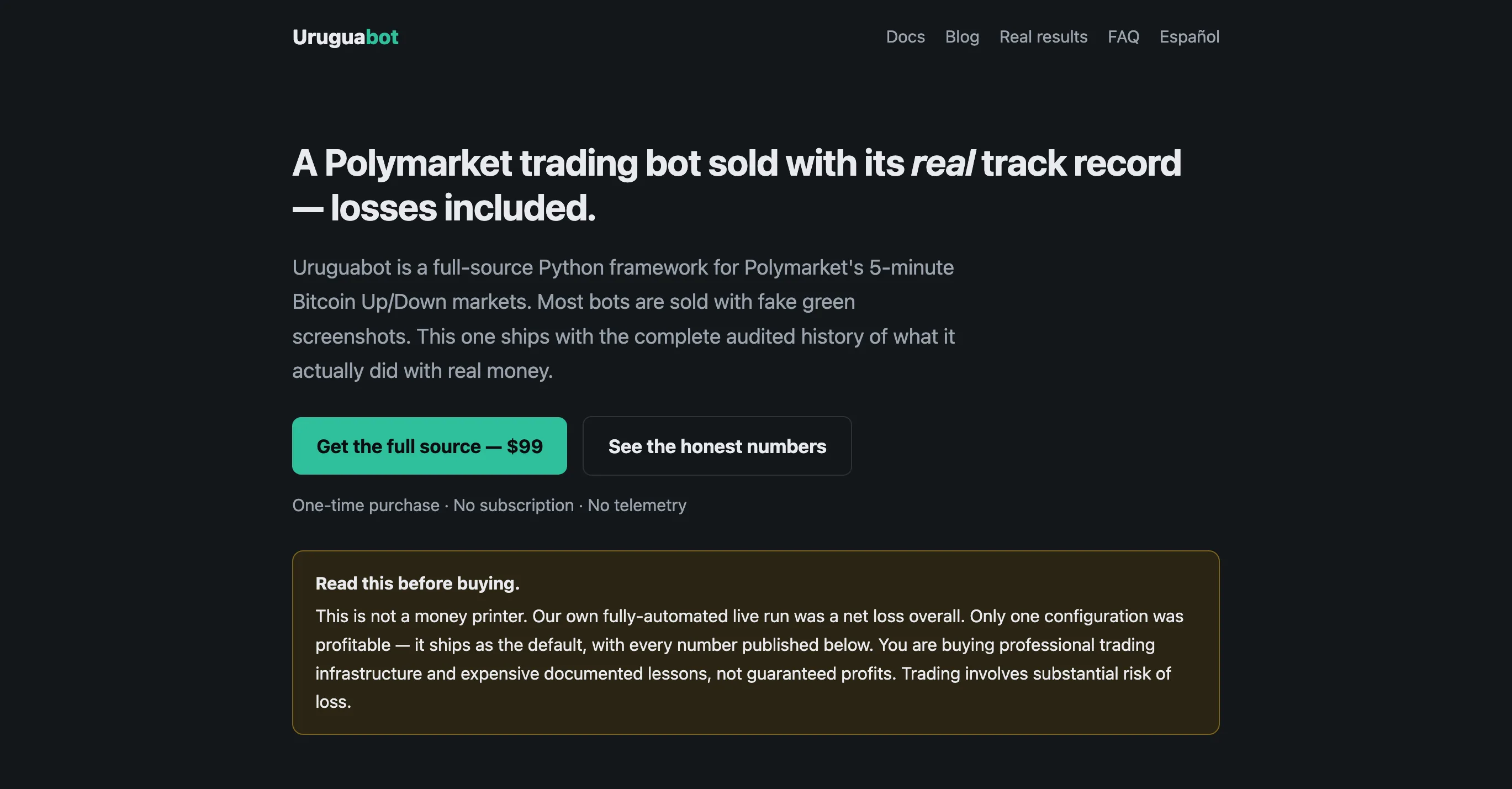
Self-hosted Python bot for Polymarket's 5-minute BTC and ETH up/down markets, sold with its complete live trading record — losses included. A free GitHub repo publishes every fill from two generations of testing plus a 1,934-window study in which every automated signal scored roughly coin-flip against the human's 59%; the published numbers reproduce exactly from the raw CSVs, though the logs omit market ids, so the record is self-attested rather than on-chain verifiable. Both generations together lost about $270 — mostly execution and a since-fixed ghost-fill bug — while the configuration that ships as default closed its live run at +7.3% ROI on a 40% win rate over a small 25-trade sample: momentum entries, stop re-anchored to execution price minus 10¢, winners held to binary resolution. Dry-run is the default, with fills simulated from slippage measured on real trades; live mode takes two explicit flags and a dedicated wallet.
Frequently asked questions
- How long does it take to build a Polymarket bot?
- A bot that places an order: an afternoon with the SDK. A bot you would trust with money unattended — reconciliation, risk caps, reconnects, a paper mode, monitoring — weeks, and most of that is not the strategy. Start from an open-source bot if you can; the plumbing is the part worth borrowing.
- Which language should I use?
- Python or TypeScript, because those are the two with official unified SDKs (polymarket-client and @polymarket/client). Anything that speaks HTTP and can sign EIP-712 typed data works against the REST API, but you will be reimplementing what the SDKs give you for free.
- Do I need a server?
- For anything that should run while you sleep, yes — a small VPS is enough for most strategies, and sniping is the exception where location starts to matter. A laptop that sleeps is how resting orders get orphaned and positions go unmanaged.
- How do I test without risking money?
- A dry-run mode that logs instead of sends, with a fill model that charges you the spread and the market's taker fee, run against live data for weeks; then a real run at a size whose total loss would annoy you and nothing more. The official SDK has no paper mode, so you build this first, not last.